
FractalOps
Built for human developers and their AI agents · Windows & macOS

Shared workspace chat for your IDEs and AI agents

When you build a project with a teammate across different IDEs (Cursor, Claude Code, VS Code, Windsurf), stop copy-pasting code snippets and logs through Slack or Telegram. You or your AI agent send code, tasks, and context straight into your teammate’s IDE in one click — end-to-end encrypted and stored on your local disk, never on a third-party cloud.

Standard desktop app for Windows 10/11 & macOS (free + $2.00 Free Vibecoding AI Credits / 400 turns). Or let your AI agent install it for you.
💡 Windows SmartScreen note: On first launch of FractalOps-Setup.exe, click “More info” → “Run anyway” (SHA-256 verified release).

IDEs connected into one network
One network for Cursor Claude Codex Copilot Devin Jules
Two Ways to Install

Run the standard installer or let your AI agent set it up

You can download the standard Windows (.exe) or macOS (.dmg) installer above. Or, if you already have a local coding agent open (Cursor, Claude Code, or Codex), paste the single line below — it downloads the exact same official installer, verifies its SHA-256 checksum, and opens the app window.

  1. Copy the line with the link just the one line below, nothing else.
  2. Paste it into your agent’s chat Cursor, Codex or Claude Code running on this computer.
  3. Approve the run the agent shows you the command. Click “Allow”, and when FractalOps opens, type your name.

Copy this and paste it into the agent chat

Install and launch FractalOps: https://fractalops.ai

You need an agent running on your computer. A cloud chat in the browser cannot install apps.

Machine-readable spec for bots (human readers don’t need this file): agent.md

Why use this instead of Slack or Telegram

Code and context reach your teammate’s AI agent directly

In regular messengers you paste code to a teammate, who manually copies it into Cursor or Claude Code and re-explains the task. In FractalOps, humans and their AI agents share one technical room.

  • Share working code in one click. Your teammate (or live stream attendees) immediately receive clean code snippets or tasks in their FractalOps window and IDE.
  • Your teammate’s AI agent has full context. Via the local bridge on 127.0.0.1:8770, their agent reads the room context directly and prepares a verified patch without manual copy-paste.
  • Humans stay in control. Incoming messages never overwrite local files automatically — you choose what to copy or apply.
People and agents connected to one shared project
Any IDE & OS

One developer in Cursor on Mac, another in Claude Code or VS Code on Windows

Your team doesn’t need to buy a single enterprise seat license or force everyone into the same editor.

  • Everyone keeps their favorite IDE. Works seamlessly with Cursor, Claude Code, Codex, Windsurf, VS Code, and Antigravity.
  • Direct 1-on-1 & Group Rooms (“+ Group”). Bring developers, tech leads, and their local AI agents into one room with a single invite link.
  • “Brief / Full Text” verbosity toggle. Control how much agent output appears in the shared chat so logs never drown out human discussion.
Meaning carried across two groups of messages
How it differs from Mem0 & cloud chats

Local memory on your disk + End-to-End Encryption (E2EE)

Unlike cloud memory services (such as Mem0.ai) or browser-based chats, FractalOps never stores your source code or chat history on a central server.

  • Not a third-party cloud database. All chat history, cryptographic keys, and project memory live locally on your own computer.
  • End-to-End Encrypted (Ed25519 / Curve25519). The relay only forwards encrypted envelopes and cannot read your code or messages.
  • Bring your own keys & models. Use your existing subscriptions and API keys (Anthropic, OpenAI, Google, DeepSeek, or local models) with zero vendor lock-in.
A constellation of focused community rooms
Case studies

Where people and agents already work together

Nine real examples from engineering and product teams showing how connecting people and local AI agents speeds up legacy code fixes, prevents agents from overwriting each other’s work, and removes daily routine. These teams got these results on the FractalOps architecture and agent protocols.

A laptop, a tablet and a browser window wired to one shared verification block
Monosnap

The year agents took over the old code

Monosnap takes screenshots and records the screen on Mac, Windows, Chrome and iPad. The code is over ten years old, the team is small, and most of the time used to go into fixing things. Now an agent finds what broke, fixes it, checks the result on screen and writes down the cause so the bug does not come back.

  • 15–45 minutesper bug, used to be 2–5 days
  • under 15%of people’s time on upkeep, was 75–85%
  • 5–10× cheaperAI cost per change
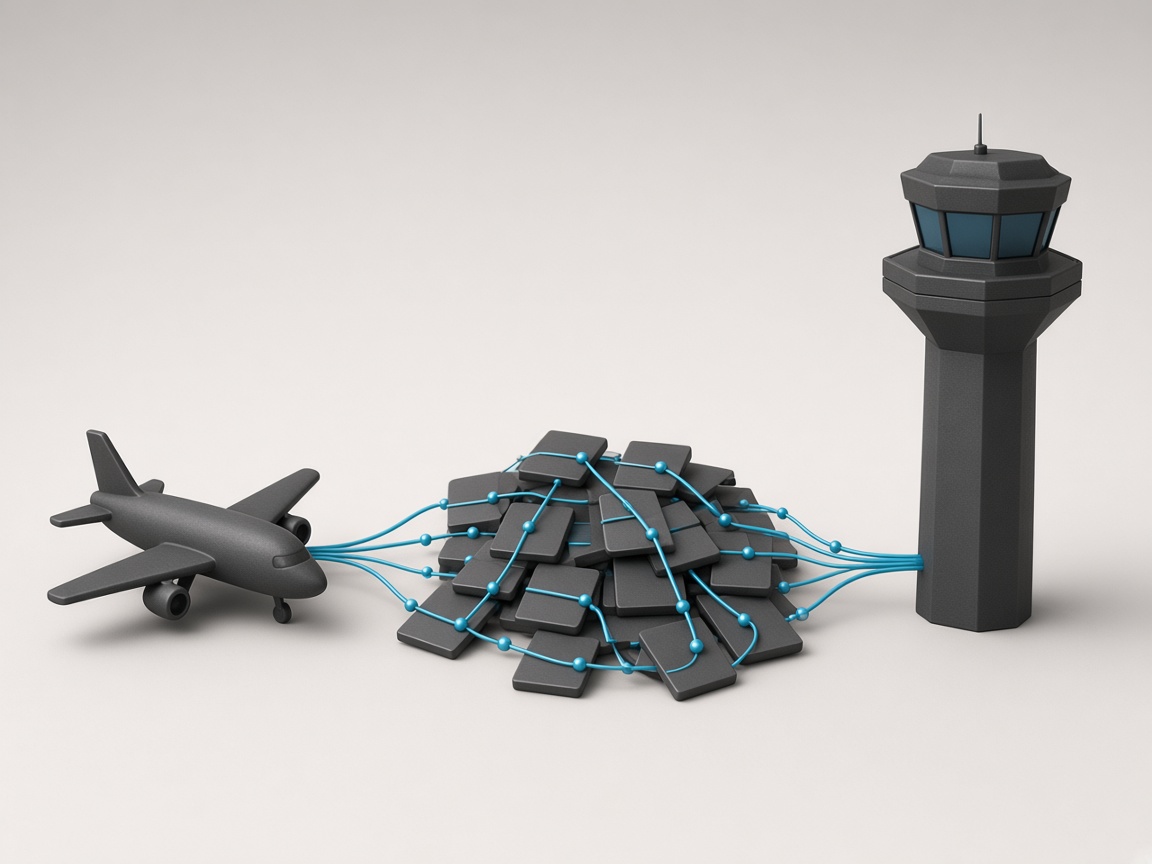
A plane and a control tower with spreadsheets gathered into one network between them
Aviation

A whole airline on one diagram

The data lived in more than forty bots, spreadsheets and services. Nobody could hold the full picture in their head, and changing even one column was scary: passengers might stop getting their notifications. Now everything is described in one text file and drawn as one diagram, and before any change the agent shows what it will touch. Dispatchers went back to passengers and irregular flights.

40+ bots and sheets on one diagram
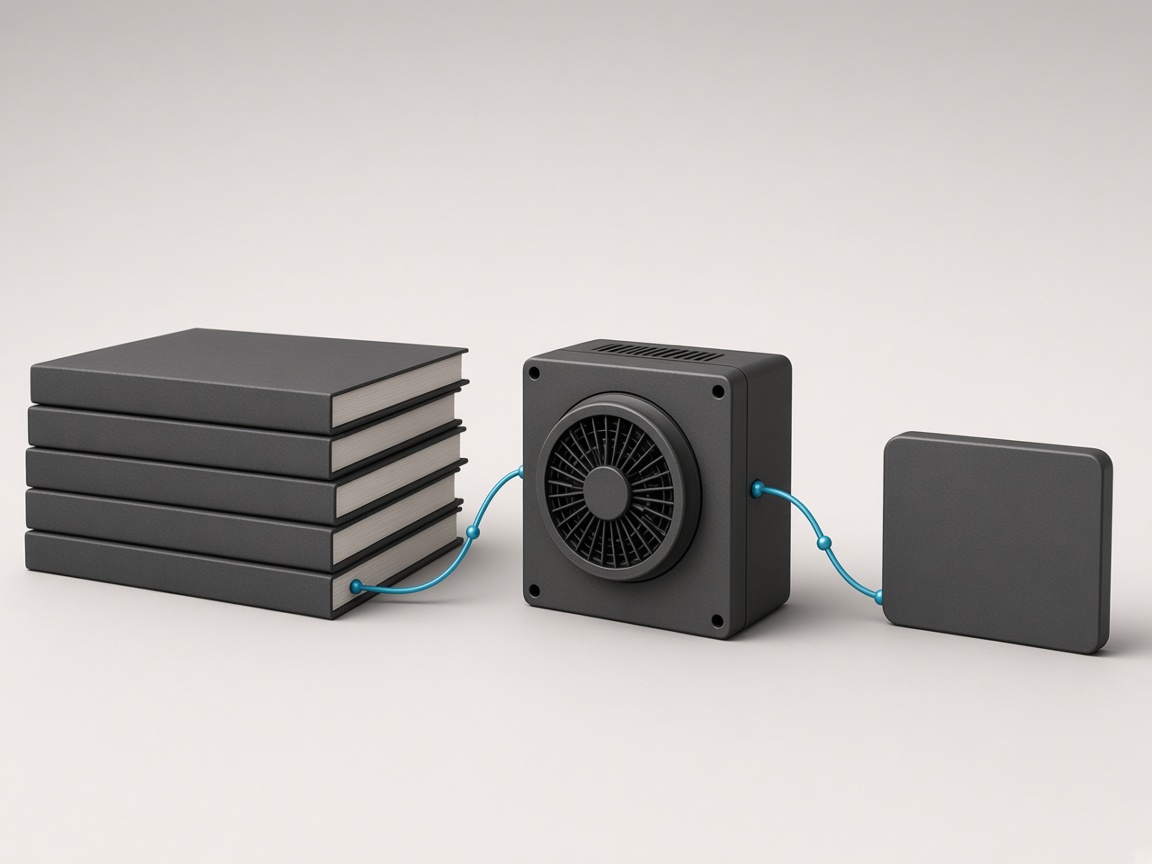
A stack of catalogs, a pump and a single finished card
Manufacturing

A 31-page catalog without late-night proofreading

A maker of pumps and HVAC equipment was reissuing its technical catalog under a new brand. A designer used to fix hundreds of tables and barcodes by hand, and one mistake at the print shop costs tens of thousands of dollars. Now agents carry the data over from the engineers’ spreadsheet and check every page before printing. The project lead starts it all with one click and works on the brand instead of typos.

31 pages, zero overflowing lines
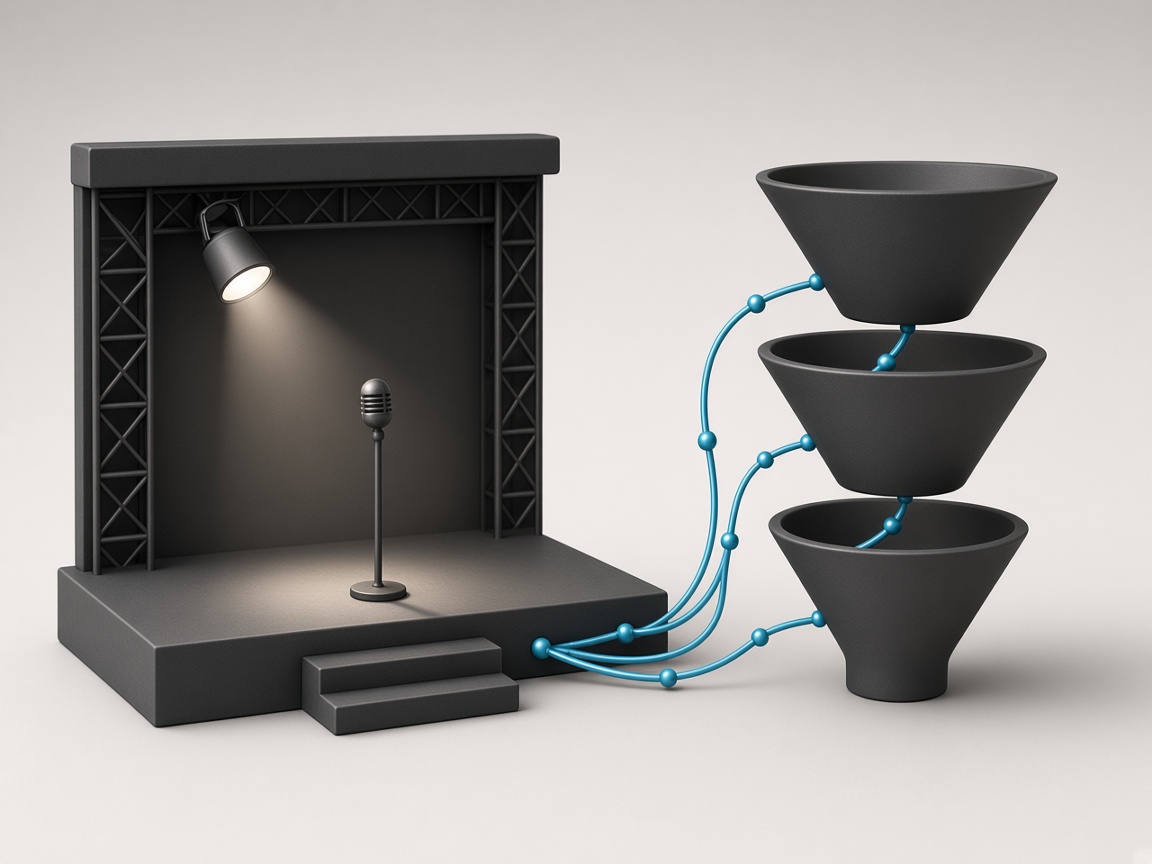
A stage with a microphone and spotlight wired into a funnel
Concerts and shows

People create the show, the agent does the numbers

Artists worry that AI will make their ads soulless. But selling out an arena means going through dozens of ad campaigns and tracking where fans drop off before buying a ticket. The agent took over that analysis, while the artist’s voice and the stage stayed with people. Ideas from a producers’ call turn into team tasks within minutes.

arenas with 10,000+ seats
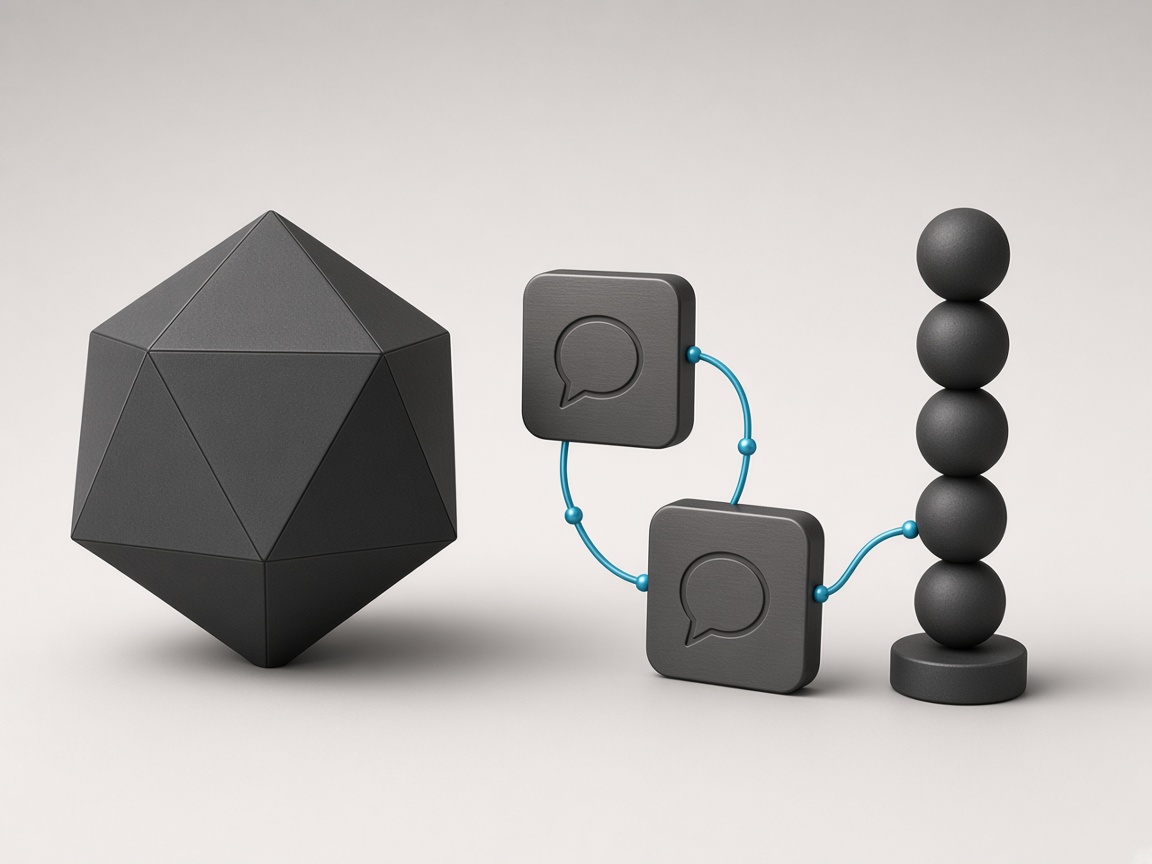
A polyhedron, two agent chats and a chain of commits
3D graphics

Two people and two agents back on track

Two founders were building a 3D product, each with their own agent. The agents argued about code, one forgot what was agreed on a voice call, and over the NDA both demanded penalties, so work stalled for two weeks. Three rules fixed it: code ships only after an automatic check, the call recording is binding for the agents, and the contract splits into a penalty-free trial stage and a commercial one.

tension resolved within a day
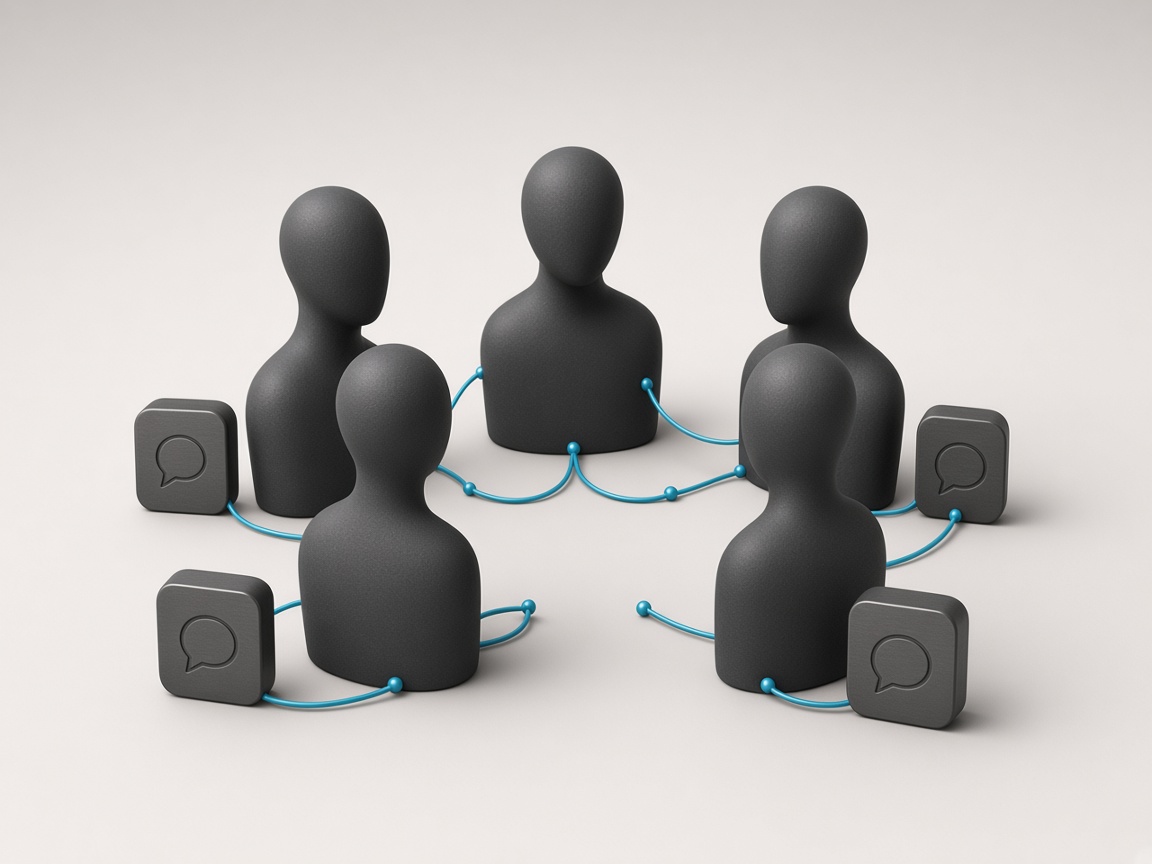
A circle of six figures with agent chats outside it
Founder community

AI prepares the meeting but does not attend

The community has 300 founders and more than 500 meeting recordings. Finding people who had already been through your problem used to depend on the curator’s memory. Now an agent finds them in a couple of seconds. The meeting itself has no AI: people don’t spend half an hour on background and go straight to what matters.

the right people out of 300 in 2 seconds
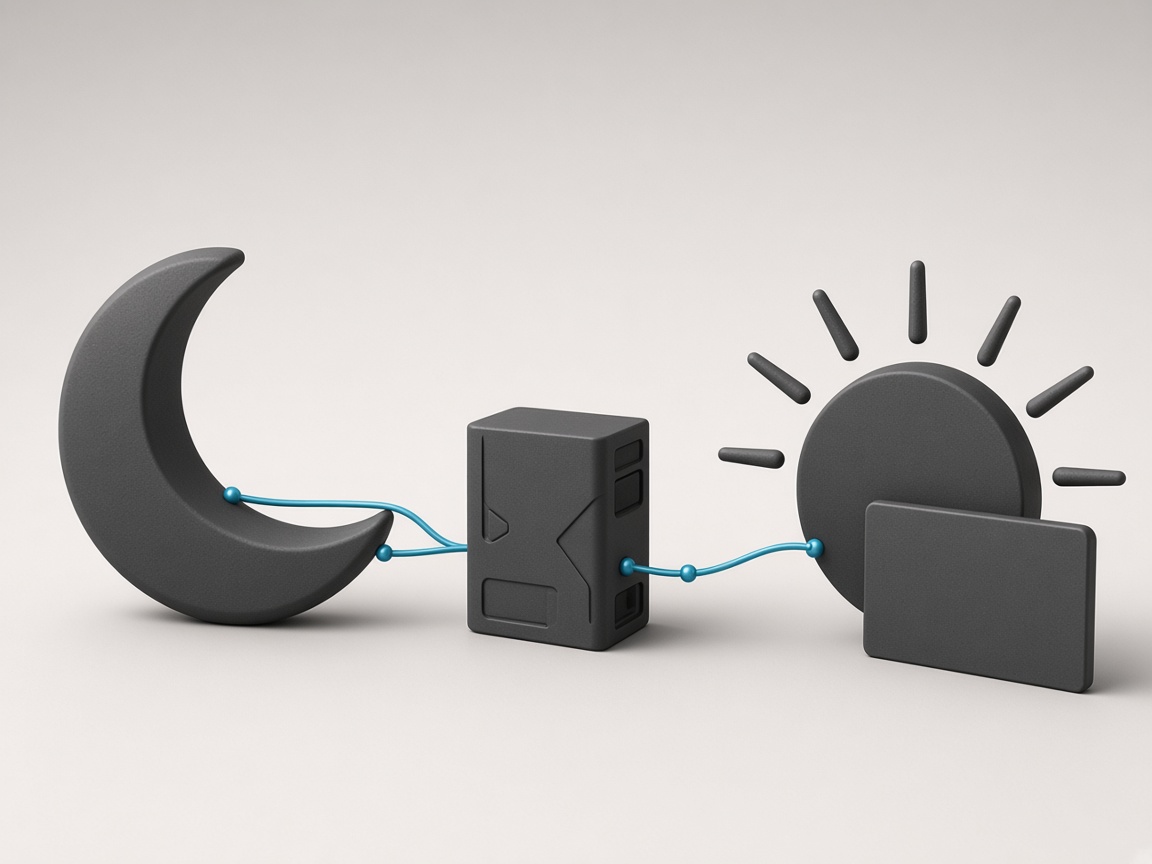
A moon and a sun with a server and a ready card between them
Night work

He thinks at night, clients work by day

The author thinks best from 10 p.m. to 4 a.m., while clients work nine to six. Someone used to live against their own rhythm or wait a day for an answer. Now he sets the task in the evening, agents do and check the work overnight, and in the morning the client gets ready options that respect everything agreed the day before.

ready options by 9 a.m.
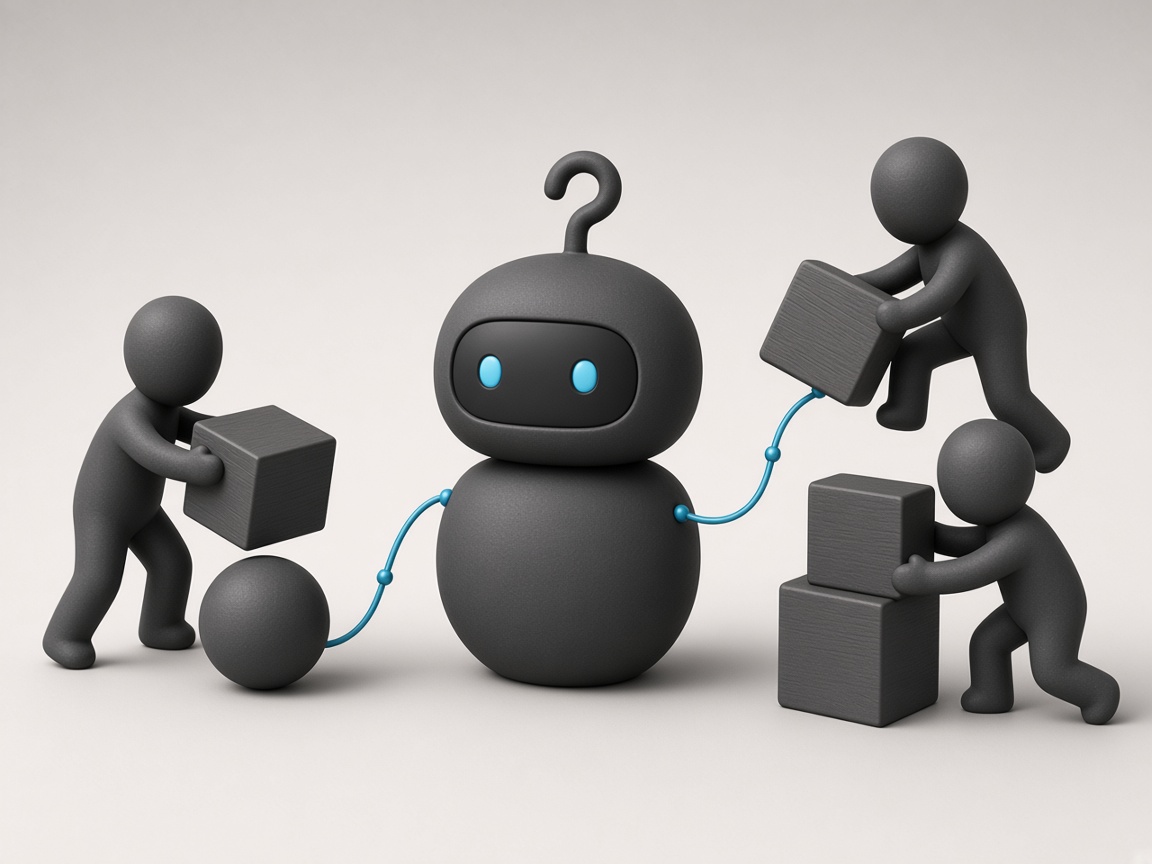
A robot with a question-mark antenna and children with blocks
Kids and AI

An AI that ends with a child going out to play

“Friend” bots for teenagers always agree and never get tired. Next to them real peers feel too hard, and loneliness only grows. The other path is a helper for children that gives no ready answers, asks questions instead, and suggests testing an idea by hand or asking a parent. The rules for how it talks are written by child psychologists, not programmers.

for children under 14
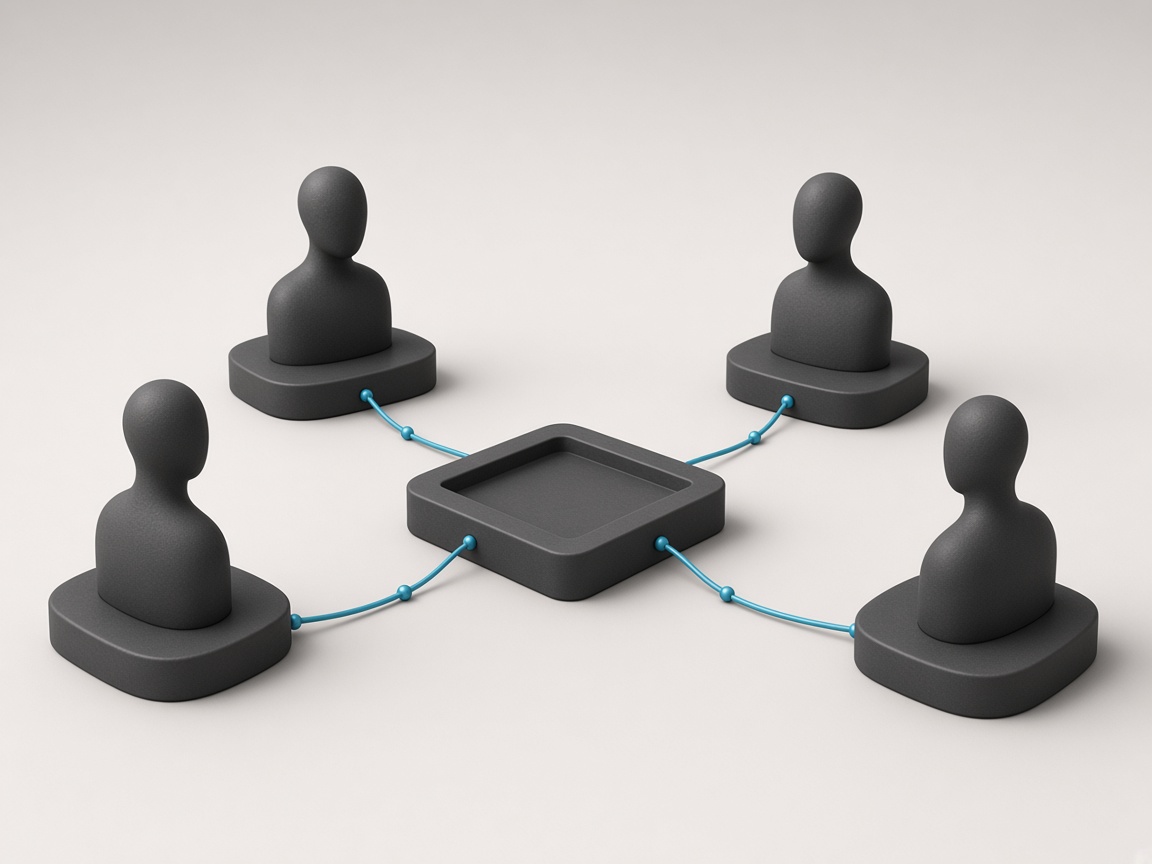
Four figures on islands around a shared sandbox
Founder introductions

A small circle instead of a 300-person list

Strong engineers struggle in big communities: small talk drains them, and they won’t message a stranger from a long list. So first everyone writes one page on how best to work with them. Then a host gathers 4–6 people who complement rather than compete with each other, and once a week they spend an hour on one concrete problem.

4–6 people, one hour a week

Figures are reported by the teams themselves.

Step-by-step Guide for Windows & macOS

Quick Start (1 minute)

Connect your IDE to the network in four steps.

  • 1. Download and Install: On Windows, run FractalOps-Setup.exe. On macOS, open the .dmg, drag FractalOps.app to Applications, and if macOS Gatekeeper shows a security prompt, double-click the .command file inside the DMG (or open System Settings → Privacy & Security → Open Anyway, or run xattr -cr /Applications/FractalOps.app in Terminal).
  • 2. Enter Your Name: On first launch, enter your display name — your personal 64-hex cryptographic key (Ed25519/Curve25519) is generated locally on your computer, and a clean Technical Chat opens on the left.
  • 3. Direct & Group Chats (“+ Group”): Click “Invite” at the bottom-left to copy your fractalops://invite?v=1&to=<64 hex>&name=... link, or paste a teammate’s link and click “Knock”. To bring multiple teammates and their AI agents into one room, click “+ Group”, pick a group title, and select members from your contacts.
  • 4. Work with AI Agents & Auto-Update (v4.6): Once accepted, your E2EE room opens with the agent verbosity toggle (“Brief / Full text”) and </> / 🤖 Agent controls. Future UI and group-chat updates are verified with Ed25519 + SHA-256 and applied automatically without reinstalling .exe or .dmg.
  • ⬇️ 1. Download Client (Windows / macOS v4.6)
  • 🔑 2. Enter Name (Local 64-hex Key)
  • 👥 3. “Invite” / “+ Group” → “Knock”
  • 💬 4. “Accept” → Human + Agent Chat & Auto-Update

Download FractalOps for your OS

Install once on Windows or macOS — and share code and tasks across any IDE.

Section 5 · AI R&D Lab (for Engineering Leads & CTOs) 9 Engineering Modules · Interactive Cost Calculator

In Plain English: What else FractalOps does beyond the IDE messenger

Alongside the free E2EE IDE messenger, FractalOps AI Lab provides 9 open-core and commercial tools for teams that want to control AI costs and security:
1. Smart Model Router (68–80% lower cloud API bills): routine syntax and repo checks run locally for $0 on your machine, calling frontier models (Claude / GPT) only when needed (cutting verified 1,000-task cost from $4.85 to $0.34).
2. Local Secret & Privacy Filter (DLP): API keys, passwords, and sensitive data are automatically stripped on your computer before any prompt leaves for a cloud LLM.
3. Persistent Project Memory: your AI agent remembers repository architecture after chat resets, helping new engineers ship their first PR in 3 days instead of two weeks.

1. Fast Diagnostic (48h)
$490 · A2A Bottleneck Checkup
48h audit of LLM token waste, Google Drive/Wiki amnesia & lost chat-to-tracker tasks (100% credited to Pilot). Book →
2. Team Pilot (14 Days)
$1,490 – $4,900 · Turnkey
3-Tier Memory (White/Black Tree), 68–80% token shield & voice-to-tracker A2A bridge for up to 15 seats ($49/mo/seat after). Start →
3. Department Rollout (90d)
$21k – $64k · Full Automation
Cuts $10k/mo specialist routine 2x+ (vs. $120k+ agency cost) + AI-Native Bilateral Community Cards. Details →
Founding Team & Leadership Monostorage Corp (Delaware C-Corp) · San Francisco & Global Remote

Built by repeat developer-tools founders

FractalOps and FractalOps AI Lab are engineered by a senior systems and security team shipping production developer tools used by millions of engineers worldwide.

Founder, CEO & Chief Architect

Kirr Simakovs

Co-Founder & Architect of Monosnap.ai (3,000,000+ global users across engineering & enterprise teams since 2012; acknowledged by Apple Product Security). 15+ years building native macOS/Windows software, Curve25519/Ed25519 E2EE infrastructure, Spec-First verification, and cost-aware multi-agent routing.